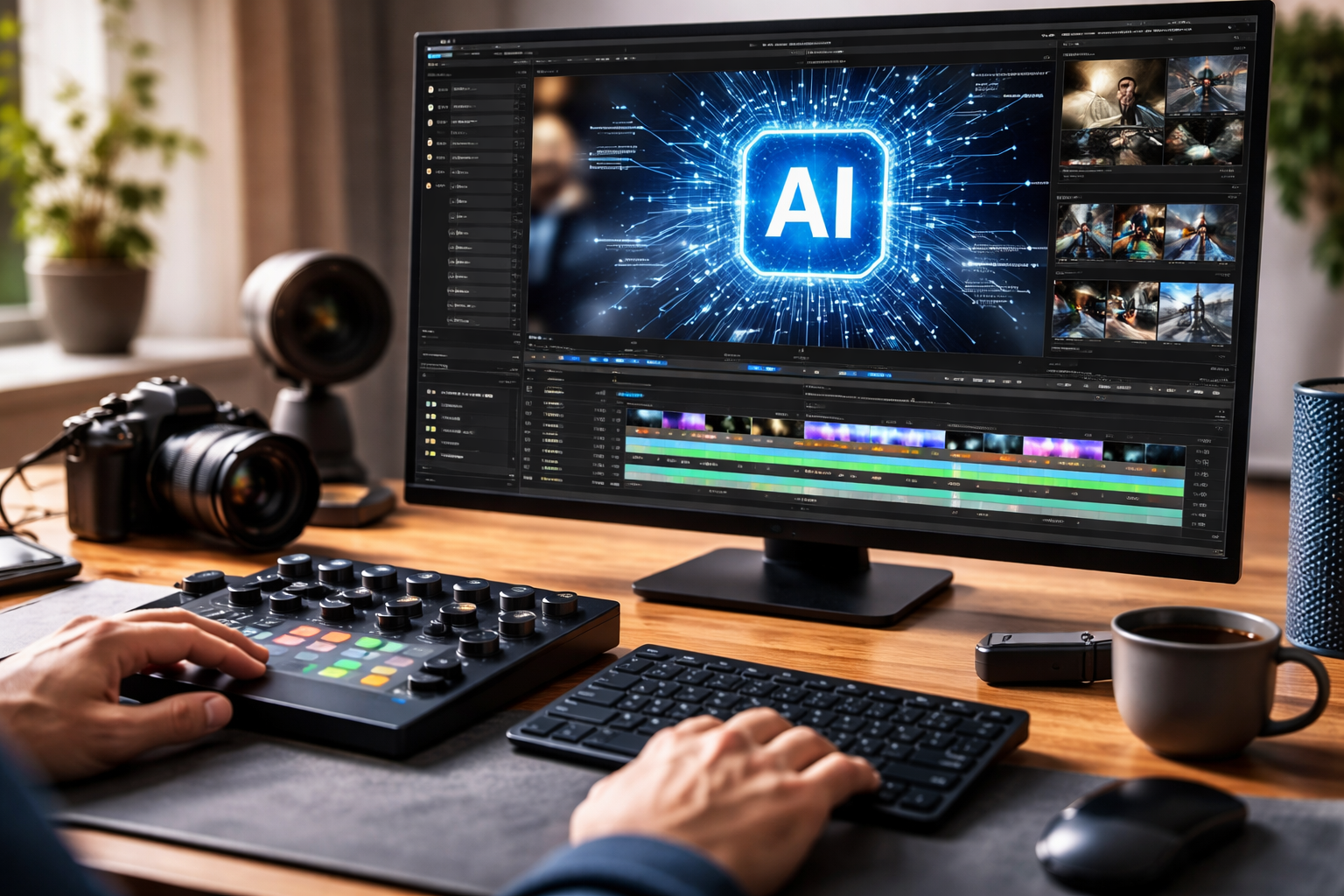
Creating high-quality video content used to require expensive equipment, a high-end computer, and weeks of training. Today, the landscape has shifted. Whether you are a social media influencer, a small business owner, or a professional filmmaker, time is your most valuable asset. The rise of artificial intelligence has introduced a new era where complex tasks—like syncing audio, removing backgrounds, or even generating entire scenes from a simple text prompt—can be done in minutes rather than hours. In this article, we explore six cutting-edge AI video editor tools that are redefining productivity and helping creators reclaim their schedules.
1. Invideo: The All-in-One Creative Hub
As a complete AI-powered creative suite, invideo goes beyond just basic video creation. It acts as a centralized workspace that enables you to seamlessly work with video, images, audio, and music, all in one place. By integrating every part of the production pipeline, it makes your creative process much smoother and more efficient. One of the standout features of this platform is how it handles ai video editing by allowing you to make changes through natural language commands. Instead of hunting through complex timelines to trim a clip or change a background, you can simply type a request, and the AI takes care of the technical heavy lifting, ensuring you are not bouncing between multiple tools for a single project.
The platform has recently expanded its capabilities to include advanced cinematic photorealism and character consistency, making it easier than ever to tell a cohesive story. Whether you are at your desk or on the move, you can access these powerful features through their free ai video generator app. This mobile version ensures that inspiration doesn’t have to wait for a desktop setup; you can generate scripts, select stock assets from a library of millions, and record professional-grade voiceovers directly from your phone. By synchronizing your work across devices, it ensures that your workflow remains uninterrupted, providing a professional-grade finish with minimal manual effort.
2. Runway: The Frontier of Generative Video
Runway is widely recognized as a pioneer in generative AI, focusing on creating high-fidelity video from scratch. While traditional editors work with existing footage, this tool excels at “dreaming up” new visuals based on your descriptions. Its latest models offer incredible temporal consistency, meaning that characters and objects remain stable throughout a scene. This is a massive win for creators who need specific b-roll or cinematic shots that would otherwise require a full production crew and a high budget. It essentially turns your imagination into a direct input for high-definition video production.
Beyond text-to-video, it offers advanced “Motion Brush” technology, which allows you to paint over a static image to tell the AI exactly which parts should move. This level of granular control is perfect for turning still photography into dynamic social media content. The platform also includes tools for instant background removal and object tracking, which used to be frame-by-frame manual tasks. By automating these “surgical” edits, it allows you to focus on the high-level storytelling and creative direction of your project rather than the tedious technicalities.
3. Descript: Editing Video Like a Document
Descript has revolutionized the industry by introducing a text-based editing workflow that feels more like using a word processor than a traditional video suite. When you upload a video, the tool automatically transcribes the audio with high accuracy. If you want to delete a scene, you simply highlight the corresponding text in the transcript and hit “delete.” The video edits itself instantly to match. This approach is a game-changer for podcasters and interviewers who need to sift through hours of raw footage to find the best soundbites, effectively cutting the editing time by more than half.
The software also features a unique “Underlord” assistant that handles the “boring” parts of post-production. With a single click, you can remove filler words like “um” and “uh” or eliminate awkward silences between sentences. It even offers a voice cloning feature that allows you to fix a misspoken word by simply typing the correct text; the AI generates the correction in your own voice. This means you don’t have to set up your microphone and re-record a segment just because of a small verbal slip, keeping your production momentum high and your stress levels low.
4. HeyGen: The Leader in AI Avatars and Personalization
HeyGen specializes in the creation of realistic AI avatars, making it an essential tool for corporate training, personalized sales outreach, and educational content. Instead of hiring actors or setting up a studio, you can choose from hundreds of diverse avatars that speak your script with natural expressions and perfect lip-syncing. This technology allows businesses to scale their video production exponentially, as you can generate a dozen different videos in the time it would take to film a single introduction. It is particularly effective for teams that need to produce content in multiple languages.
One of its most impressive time-saving features is its video translation capability. You can take a video of yourself speaking and translate it into over 40 languages, where the AI not only changes the voice but also adjusts your lip movements to match the new language. This eliminates the need for expensive dubbing services and ensures your message remains personal and authentic across global markets. By integrating directly with other productivity apps, it allows for a seamless “prompt-to-video” workflow that bypasses the traditional timeline editor entirely, delivering polished results in minutes.
5. Adobe Premiere Pro: Professional Tools Enhanced by AI
Adobe Premiere Pro remains the industry standard for professional film and video editing, but it has recently integrated powerful AI features to stay ahead of the curve. These tools are designed to automate the most repetitive parts of the professional workflow. For instance, its “Auto Reframe” feature uses AI to identify the most important action in a shot and automatically adjusts the aspect ratio for different social platforms, such as turning a wide-screen cinematic shot into a vertical video for reels without losing the subject.
The software also includes advanced “Speech to Text” for instant captioning and “Enhance Speech,” which can make a recording done in a noisy environment sound like it was captured in a professional studio. Another major time-saver is the “Scene Edit Detection,” which can take a long, exported video file and automatically cut it back into its original individual clips. For professionals who are already comfortable with the Adobe ecosystem, these enhancements mean they can keep their high-end creative control while the AI handles the “grunt work” that used to take up the majority of their day.
6. CapCut: The Social Media Powerhouse
CapCut has become the go-to tool for short-form content creators because of its incredible ease of use and built-in AI intelligence. While it is simple enough for a beginner, it packs a punch with features like “Auto Captions,” which generates synchronized subtitles in seconds. It also offers a vast library of AI-powered effects and transitions that are updated weekly to match the latest viral trends. This allows creators to stay relevant without spending hours researching styles and manually keyframing animations.
The platform’s AI background removal and “Smart Cut” tools allow users to isolate subjects and place them in entirely new environments with a single tap. It also features a “Text to Image” generator that can create custom stickers and overlays on the fly. Because it is designed with a “mobile-first” philosophy, the interface is incredibly snappy, allowing for high-speed editing sessions during a commute or between meetings. For those looking for a fast, reliable, and trend-aware editor, it provides all the necessary tools to go from a raw clip to a viral-ready post in record time.
Conclusion: Choosing the Right Tool for Your Workflow
The world of video creation is moving faster than ever, and these six AI tools represent the best ways to keep up without burning out. Whether you need the all-in-one versatility of invideo, the generative power of Runway, or the text-based simplicity of Descript, there is a solution tailored to your specific needs. By embracing these technologies, you aren’t just saving time—you are expanding your creative potential.